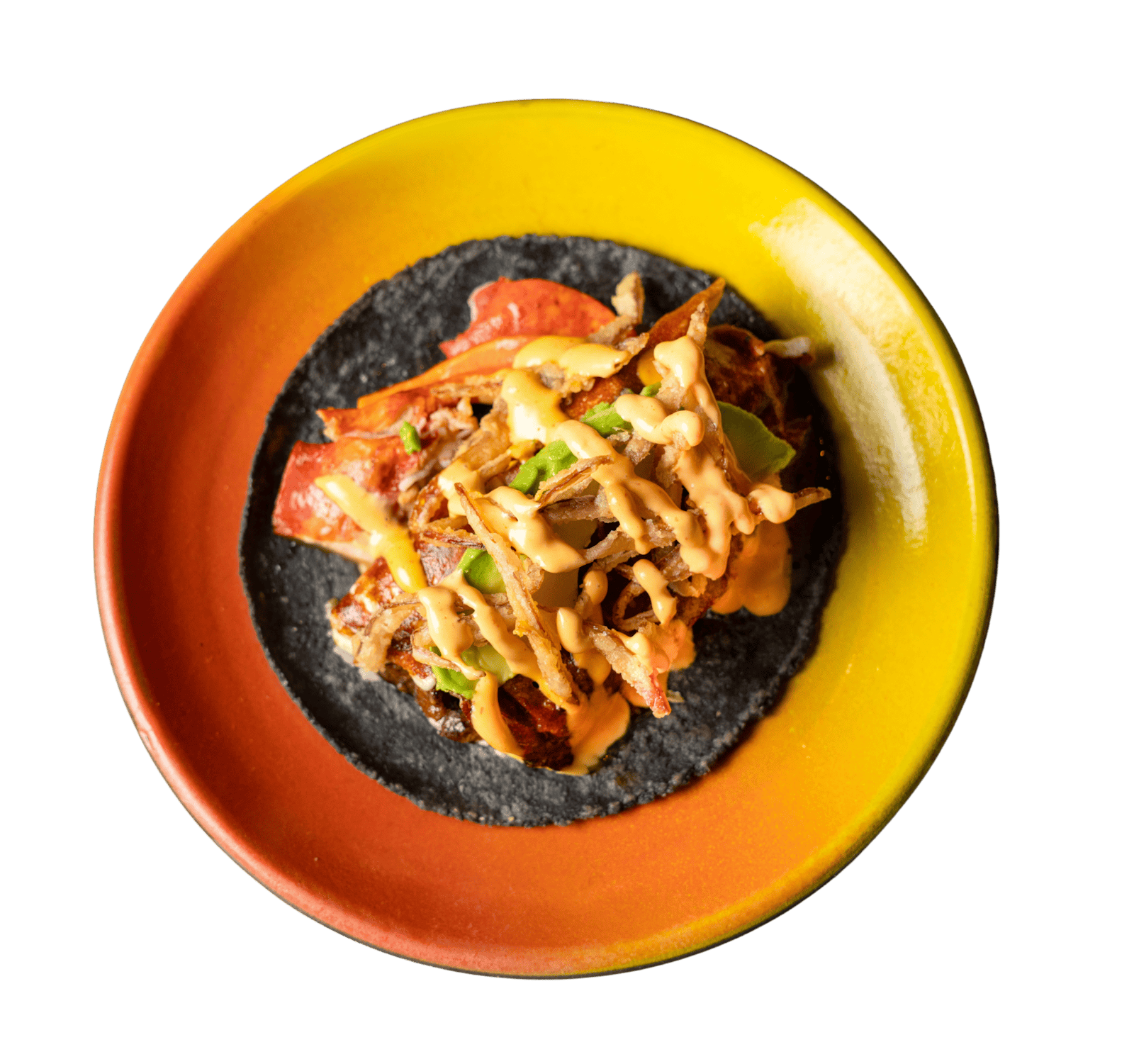
Mexican · Los Olivos, Irvine
Puesto
Official-source menu · Independent preview
For restaurants that care how a meal begins
Turn your restaurant’s menu into a personal dining experience — branded, conversational and shareable by QR.
How it works
A PDF, a photo, a link or pasted text. We organise dishes, prices and details — and flag anything we’re unsure of.
Check dishes, prices and ingredients. Anything uncertain is flagged for your review, never silently guessed.
Your name, verified address and contact details. Your personality, colour, typography and the voice of your host.
Publish when you’re ready. Print branded table QR codes, each linked to its own menu address. Guests browse without an app or account.
The Irvine collection
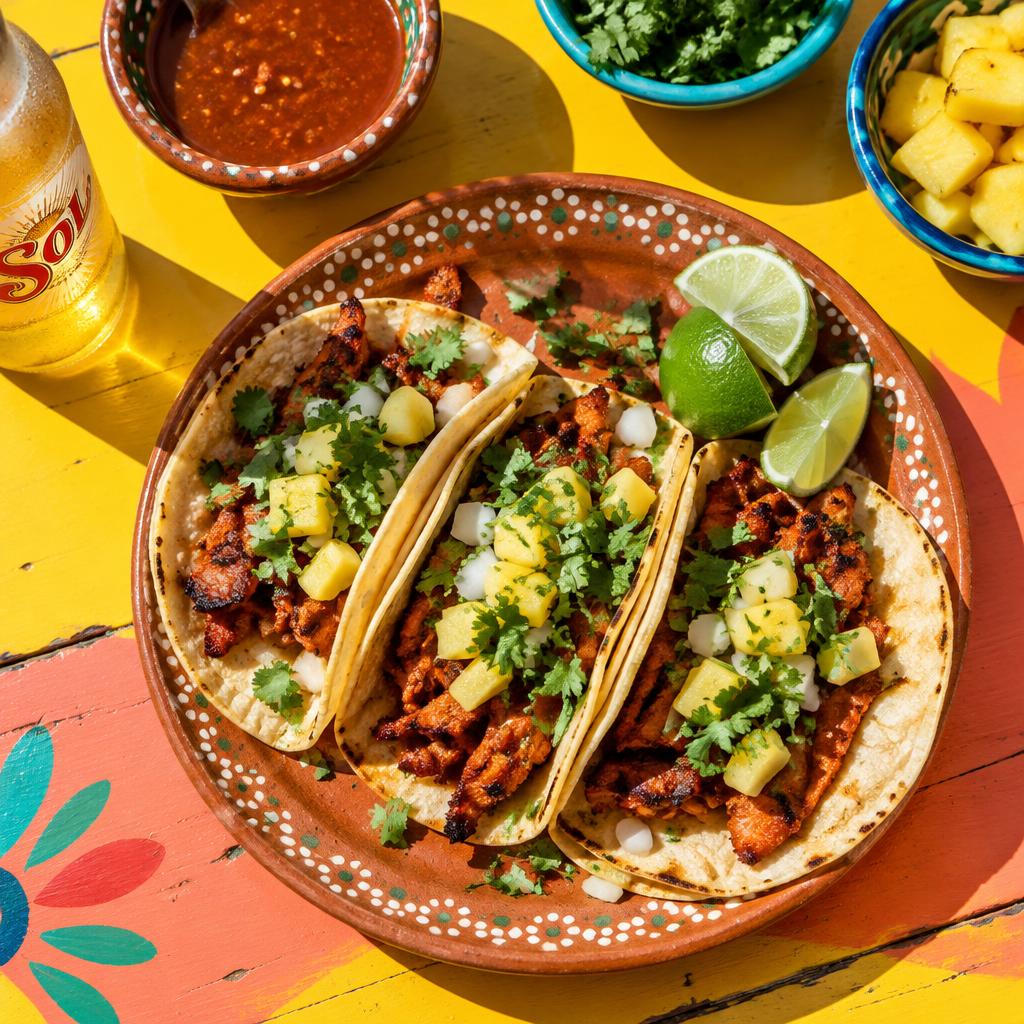
Mexican · Los Olivos, Irvine
Official-source menu · Independent preview
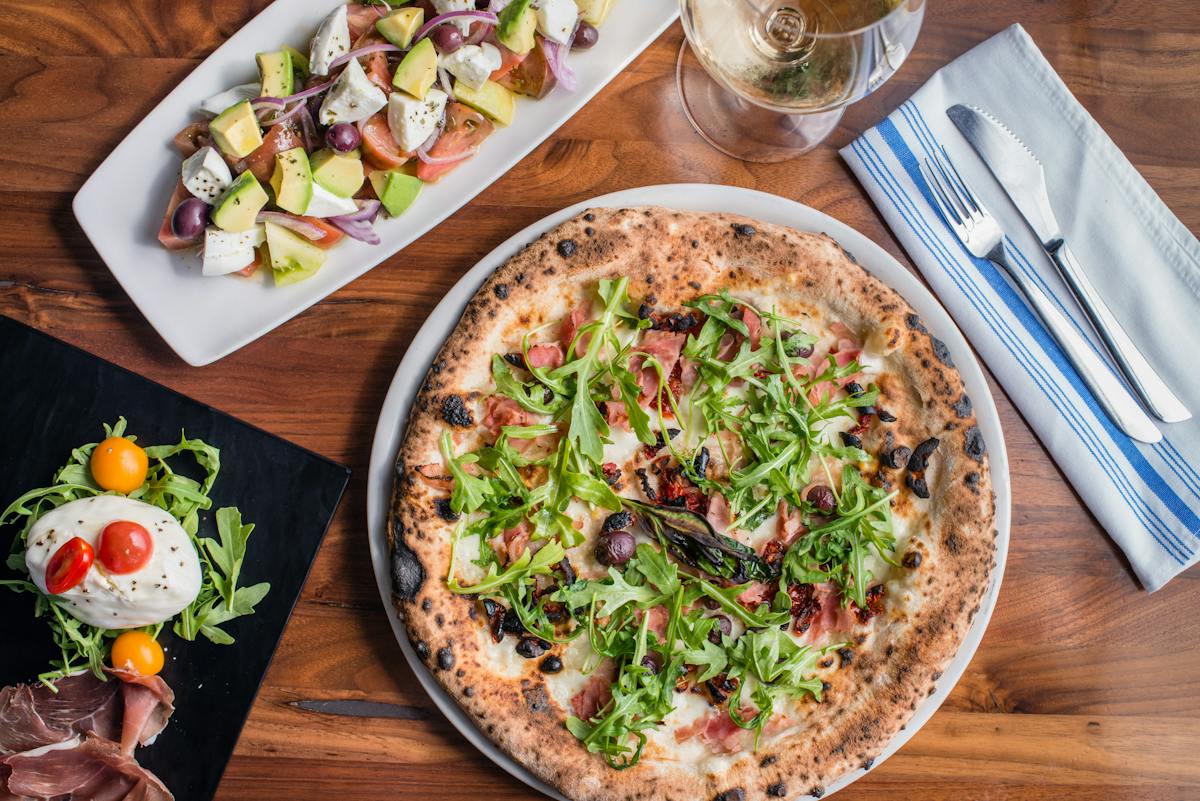
Napoletana · Irvine
Official-source menu · Independent preview
Preview QR codes · Sign in to save · Publish before printing for guests
Same platform, three personalities
Fictional examples. Tap into any of them — each is a working published menu.
Preview QR codes · Sign in to save · Publish before printing for guests
Guests ask in their own words. Your host answers from your published menu only. Allergy and safety questions go to your staff.
Wine, beer, alcohol-free, sides and dessert — each with a reason and a real price.
Better light and framing that preserve the real dish. Originals are always kept.
Storyboards for a chef’s introduction or a signature dish. Never autoplays with sound.
Sold out, a price change, tonight’s special — in seconds, then republish.
Table cards in your brand, linked to your own menu address.
Order my usual
Save an explicit set of dishes, quantities and modifiers for each restaurant. When you return, your usual is ready to review.
Visit your guest dashboardSave your dishes, quantities and modifiers.
Review fresh prices and current availability.
Choose table or pickup. Add an optional tip.
Confirm once to send your request to the restaurant.
Nothing sends automatically. No silent substitutions. Staff acceptance is a separate step.
For your restaurant
Sold out, a price change, tonight’s special — change it in seconds, then republish. Your restaurant’s identity stays yours, with a discreet Powered by Jubella signature.
Guest requests arrive as readable messages in your studio inbox. A separate staff QR opens a phone-friendly pending-requests list after staff sign in.
Accept → Start preparing → Mark ready → Complete. A printable ticket for each order. Staff acceptance is explicit; no POS or printer delivery is implied.
Browse, ask and send a request without an app or account. Sign in to keep your saved restaurants together across Jubella menus. Scan a restaurant’s QR while signed in to save it; a sign-in prompt preserves your save intent.
Your guest dashboard brings together saved dishes, personal notes, favourite staff and past requests. Edit or cancel requests while they’re pending, before acceptance.
Private restaurant and named-staff feedback stays on your device as your own record. It is not delivered to the restaurant.
Your guest dashboardNo. Payments are settled with the restaurant in person. An optional tip records your intent only; Jubella does not charge it.
No. Your confirmed request is a message delivered to the restaurant’s inbox and kitchen screen. Staff must accept it separately. Sending it does not imply kitchen acceptance, payment, POS integration or printer delivery.
The host answers strictly from the restaurant’s published menu. It never invents ingredients or makes safety claims. Allergy and safety concerns belong with restaurant staff.
Fictional menus and sample imagery are illustrative. Official published menu sources are linked and labelled separately. An independent preview does not imply restaurant ownership or endorsement.
No account or app is needed to browse, ask questions or send a request. A Jubella account lets guests save restaurants across menus. Device-held usuals, notes, receipts and feedback remain separate from account recognition.